Anywhere on Earth
Build wherever you want on a map provided by OpenStreetMap.
A transit company sim using real map and population data.
It's a transit sandbox game, where you can build anywhere on the globe, using real map data. You can build stations, track, and signals, and then you can decide how the line actually runs, including stops, fares, hours it runs, and more.
The population plays a major part. There are jobs on the map, and there are several factors that affect ridership, like trip time, wait, crowding, transfers, and price.
It's Early Access, so expect bugs or unfinished features. Updates won't wipe your saves, but export a copy to your computer every so often, just in case.

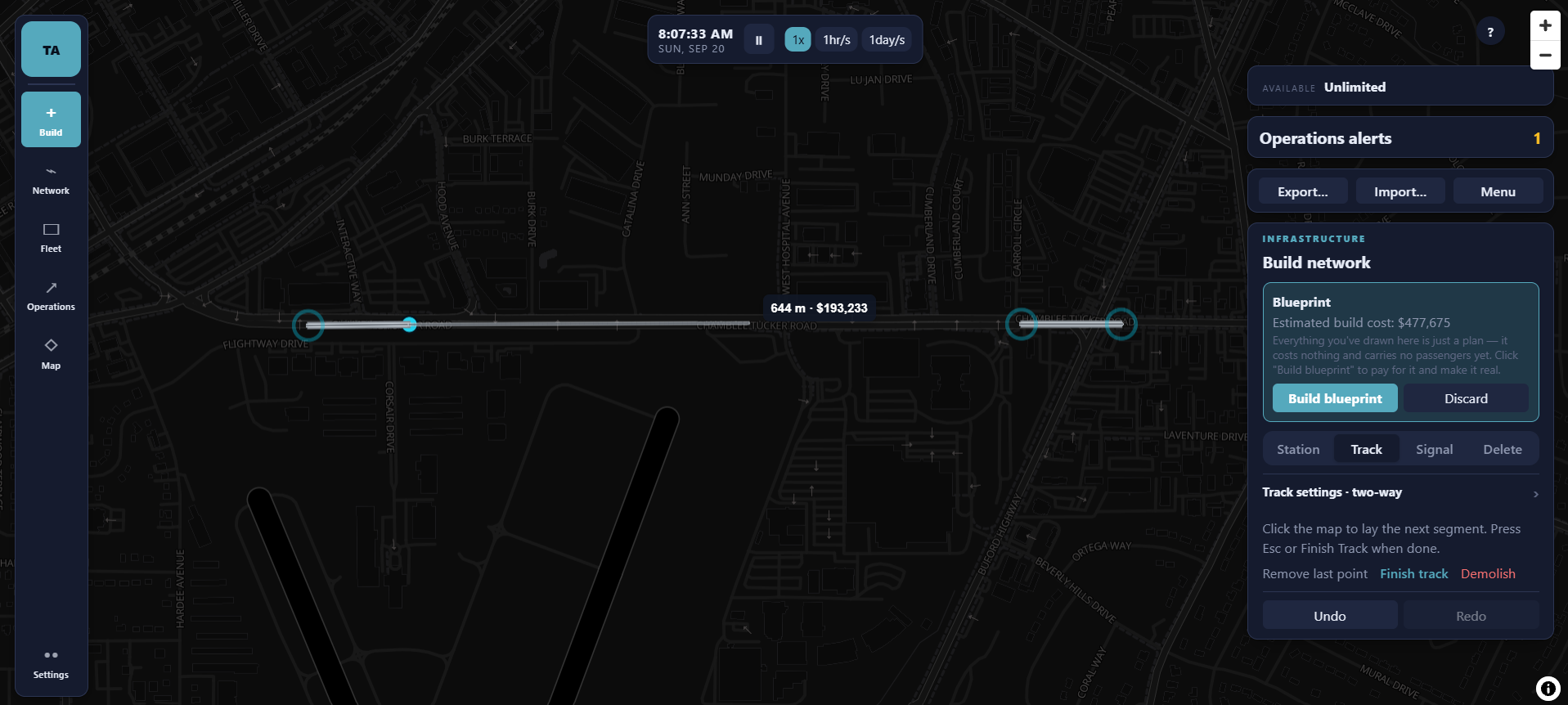



Build wherever you want on a map provided by OpenStreetMap.
Set how long trains will stay at each station, service times, prices, etc.
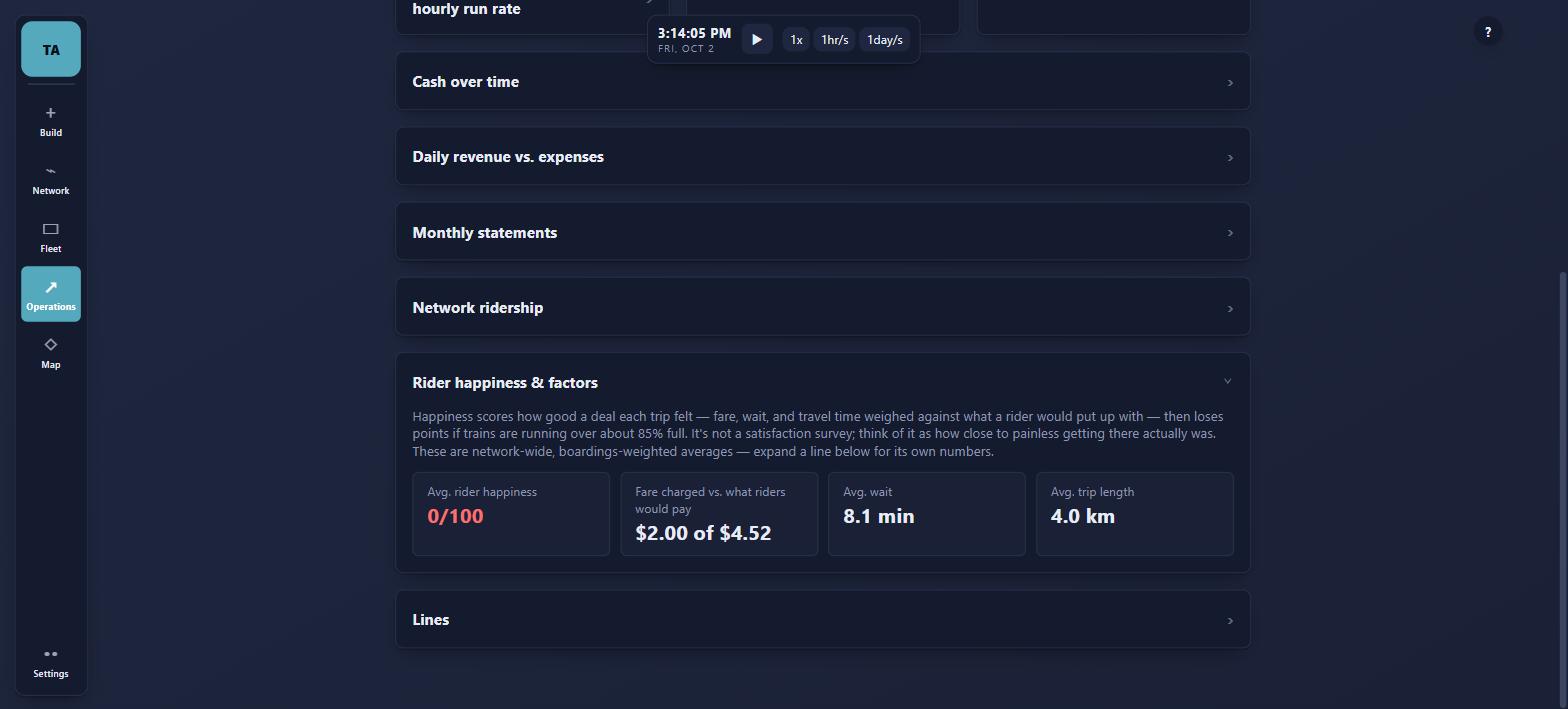
Trip time, wait, crowding, and prices matter to ridership.
A detailed financial system that shows you detailed info about profit, expenses, rider happiness, etc.
This will be the order of things developed to progress the game. There are no guaranteed dates for anything, and the roadmap will be updated as progress happens.
Collecting and implementing player feedback.
Adding in buildings and roads as physical obstacles for more realism.
New modes beyond rail, in two phases:
Currently, it's in Early Access. The main gameplay loop, which includes building, line editing, and financials, is already in. Some features aren't fully developed or even in the game yet. You can see all of the latest changes in the release notes.
A license key to play the game, and every update that's coming next. You can pay more than the minimum if you want to support the work even more, but it doesn't unlock anything extra, though it is appreciated.
Yes, within 14 days of the purchase. Just email andersonstudios.dev@gmail.com. Full terms are on the refund policy page, and I'd like to know the specific reason if possible, just so I can keep improving the game.
A key is only active on one device at a time. If you need to change browsers or devices, email me at andersonstudios.dev@gmail.com so I can reset the key for you.
Every time you either refresh the page or open the page the updates automatically load.
The only thing that gets sent is the license key getting checked by the license server every time you open or refresh the game, which is then cached in the browser's local storage. Feedback you send is completely private. The map uses tiles and pulls them from OpenFreeMap. You can see the privacy policy for the full details.